 Features
 Partners
 Integrations
 Hardware
 Co-working
 Hotels
 Gyms
Gyms
 Members clubs
 Schools & Universities
 Sports clubs
Design and print access cards with ease
From one simple workspace, DoorFlow Desktop lets you design, encode and print ID and access cards for your team.
Download now
DoorFlow Desktop
Keep your team in sync, automatically
DoorFlow Desktop keeps people, groups, roles, credentials and card templates in sync with your access control platform. When you add a new starter, their card is ready to print straight away. As soon as you update a name, photo or role, every template picks up the change.
Download now
-
Simple and easy to use interface
Design cards in minutes, encode and print them when you need. Whether you have just one card or thousands cards, it's the same, effortless process.
-
Avoid manual data entry
Automatically sync with your database, including all major management platforms such as Microsoft Active Directory. Minimise the risk of data duplication and no need to rekey.
-
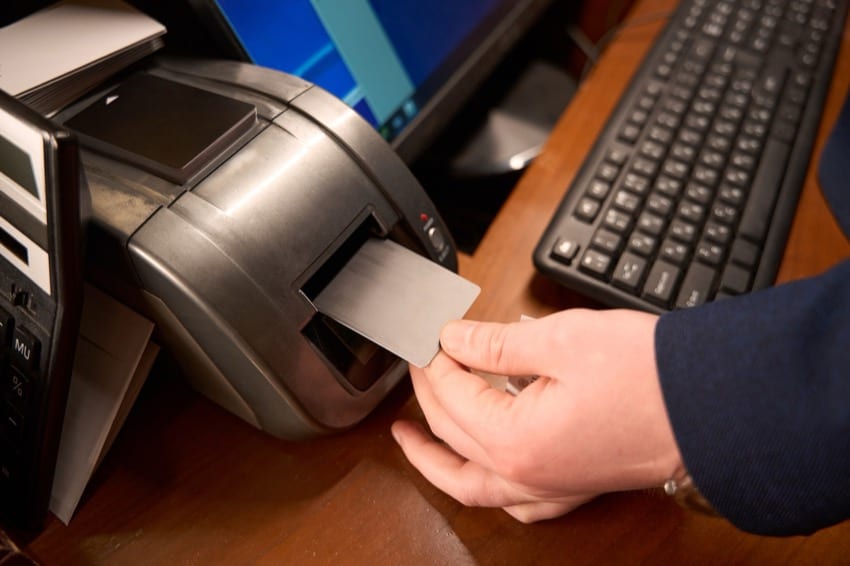
Print directly to card printer
Use your existing card printers, bypass the usual driver headaches. DoorFlow Desktop prints directly to your hardware with nothing extra to install.
Core features
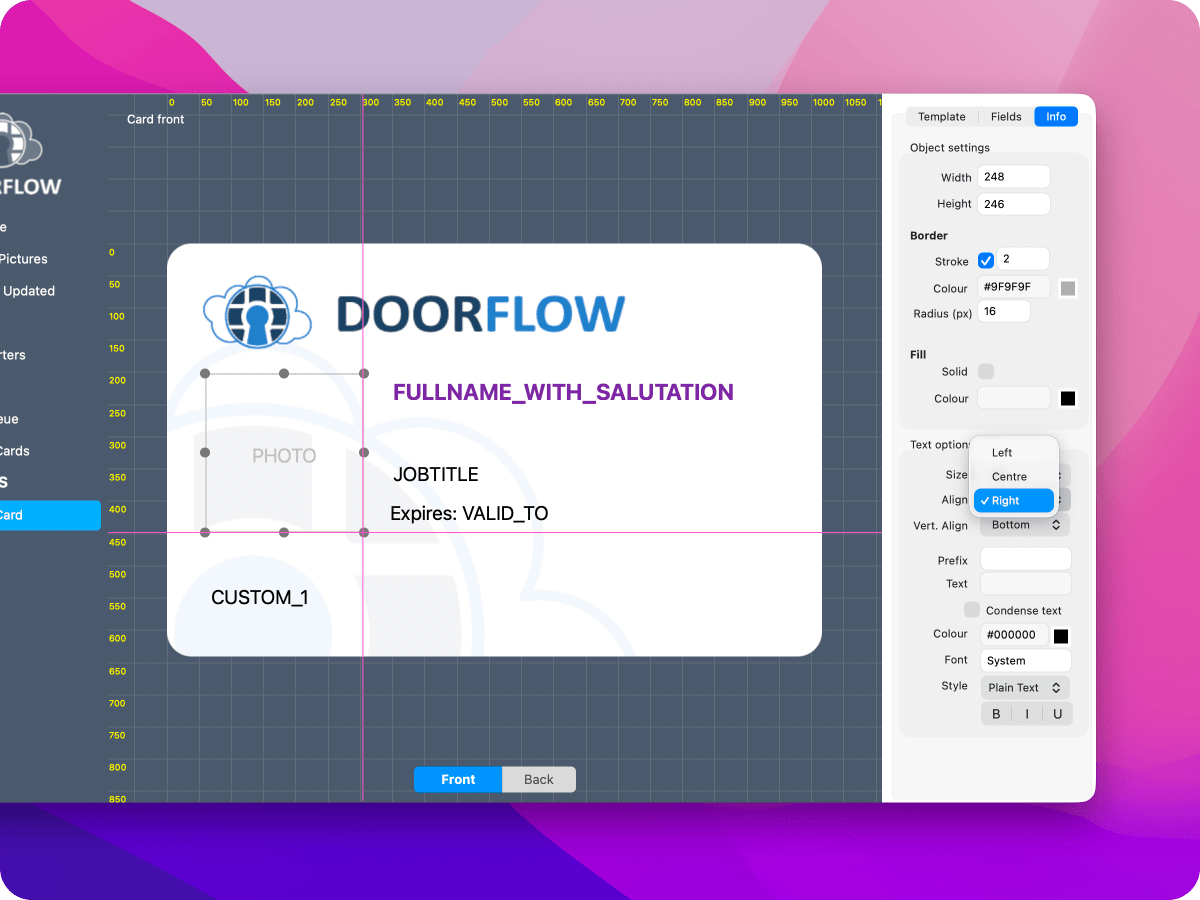
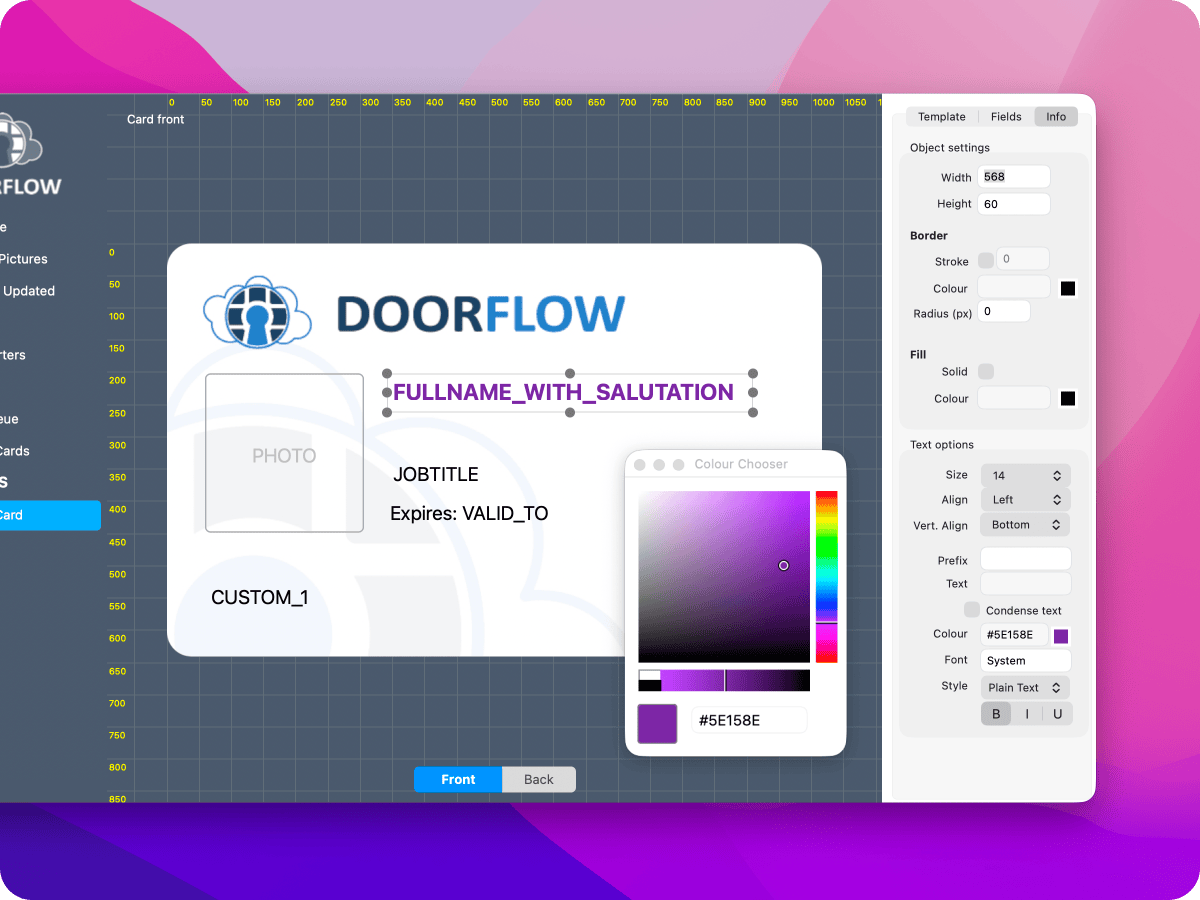
Full control, down to the last detail
Printing
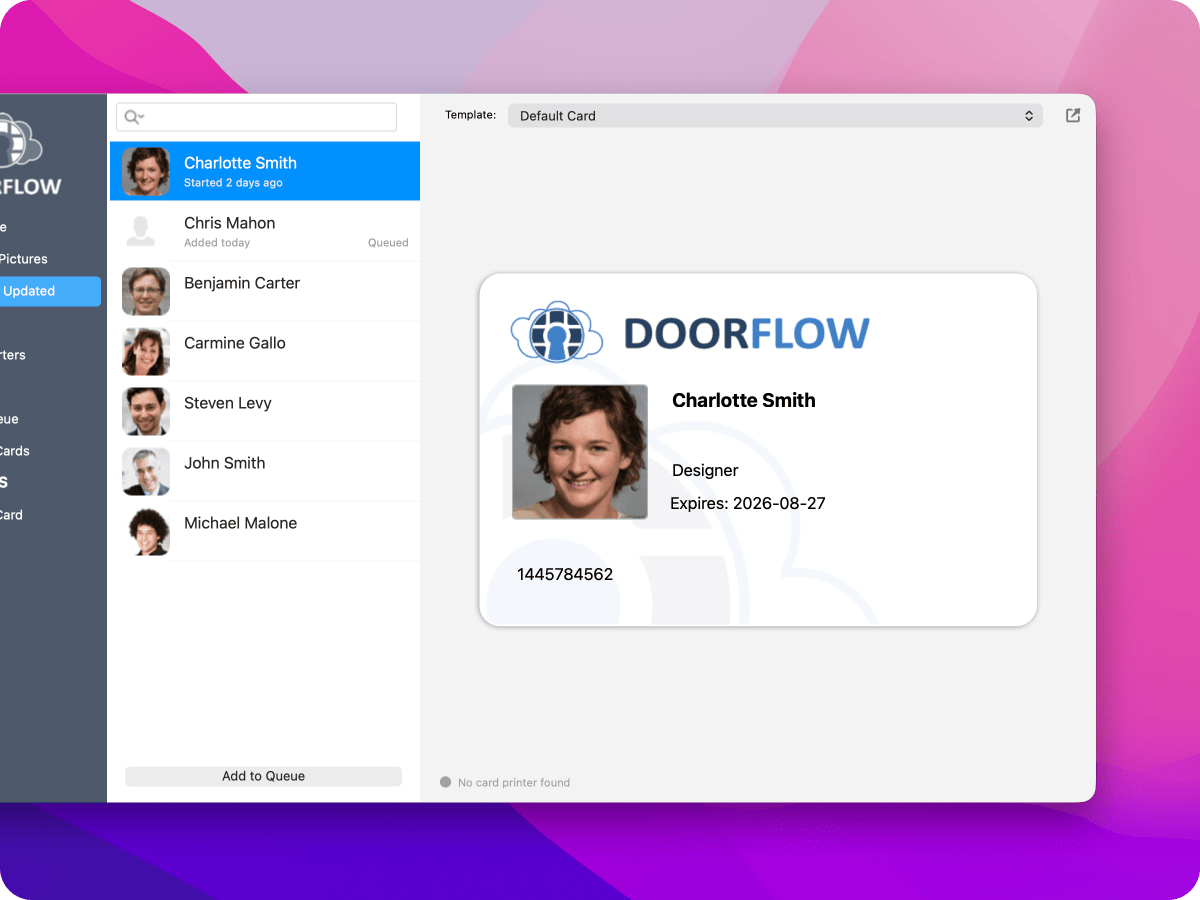
Accurate screen to print process
What you approve on your screen is exactly what gets printed out. Queue up a large batch of cards and monitor the progress card-by-card, whilst the app keeps a printed history so you always have a record of what you printed and when.
Security
Built-in security
-
Encrypted data
We encrypt your local database at source, keeping your team's details protected on your machine.
-
Safe credentials
Access keys and credentials live securely inside your operating system's native keychain, never inside the app itself.

macOS and Windows
Download now
Instead of packing a web page inside a heavy browser wrapper, we've written a genuine, native desktop application for both macOS and Windows. If you already have a DoorFlow account, you can download DoorFlow Desktop and get designing right away.